

OneTouch Reveal® app
Screenshots
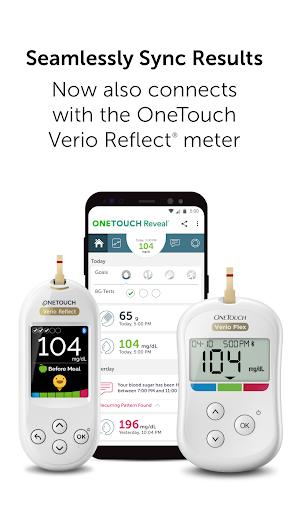
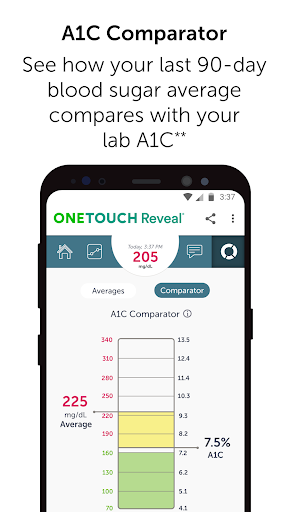
Features of OneTouch Reveal® app
Monitor Blood Sugar Status
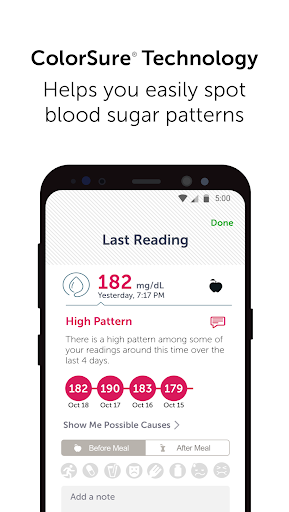
When a high or low blood sugar pattern is detected, your smartphone will receive an automatic notification. Additionally, a timeline of important blood sugar events and activities will also be drawn in the app, highlighting when you are repeatedly out of range to act as an early warning.
Set Personalized Reminders
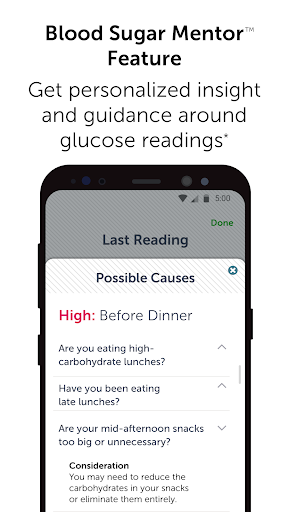
With OneTouch Reveal® Diabetes App, you can manage everything about your diabetes. Not only can you set personalized reminders to stay informed about patterns, medications, food, and exercise, but also can get personalized coaching, insights, and encouragement with the Blood Sugar Mento™ feature to help you understand and manage your blood sugar wisely.
Track Personalized Goals
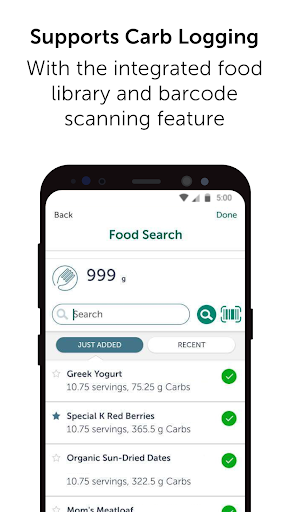
You can set and track your daily carbohydrate intake and exercise steps on OneTouch Reveal® Diabetes App to see the correlation between your food intake and your blood sugar levels.
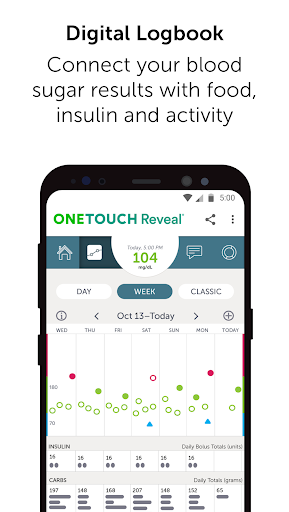
Easy-to-view Diabetes Logbook
OneTouch Reveal® Diabetes App will automatically record and organize your blood sugar results and use a color-coded log to identify high and low blood sugar results for you at a glance.
Tips
🤔 Blood Sugar Mentor™ feature may help you a lot.
Blood Sugar Mentor™ feature provides personalized guidance, and insights for each user, only available with OneTouch Verio Reflect® meters.
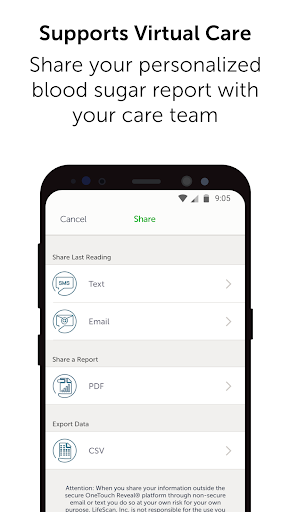
😲 Share your progress with your care team.
You can email your personalized diabetes report to share your recent medical status with your care team between visits.
Pros & Cons
- Easily email or share results
- No fasting level flag
- Doesn't push readings from the device
FAQ
Why can’t I sync when the network connection is normal?
You can pull to sync from the home screen by placing your finger on your touchscreen and slightly pulling down to refresh, similar to Facebook or other social apps.